v1.12.4 Open source · MIT License

Manage Icons,
Generate Fonts

The open-source icon manager and font generator for designers and developers. Import SVGs, organize into groups, edit colors, and export production-ready icon fonts.

Windows macOS
Trusted by
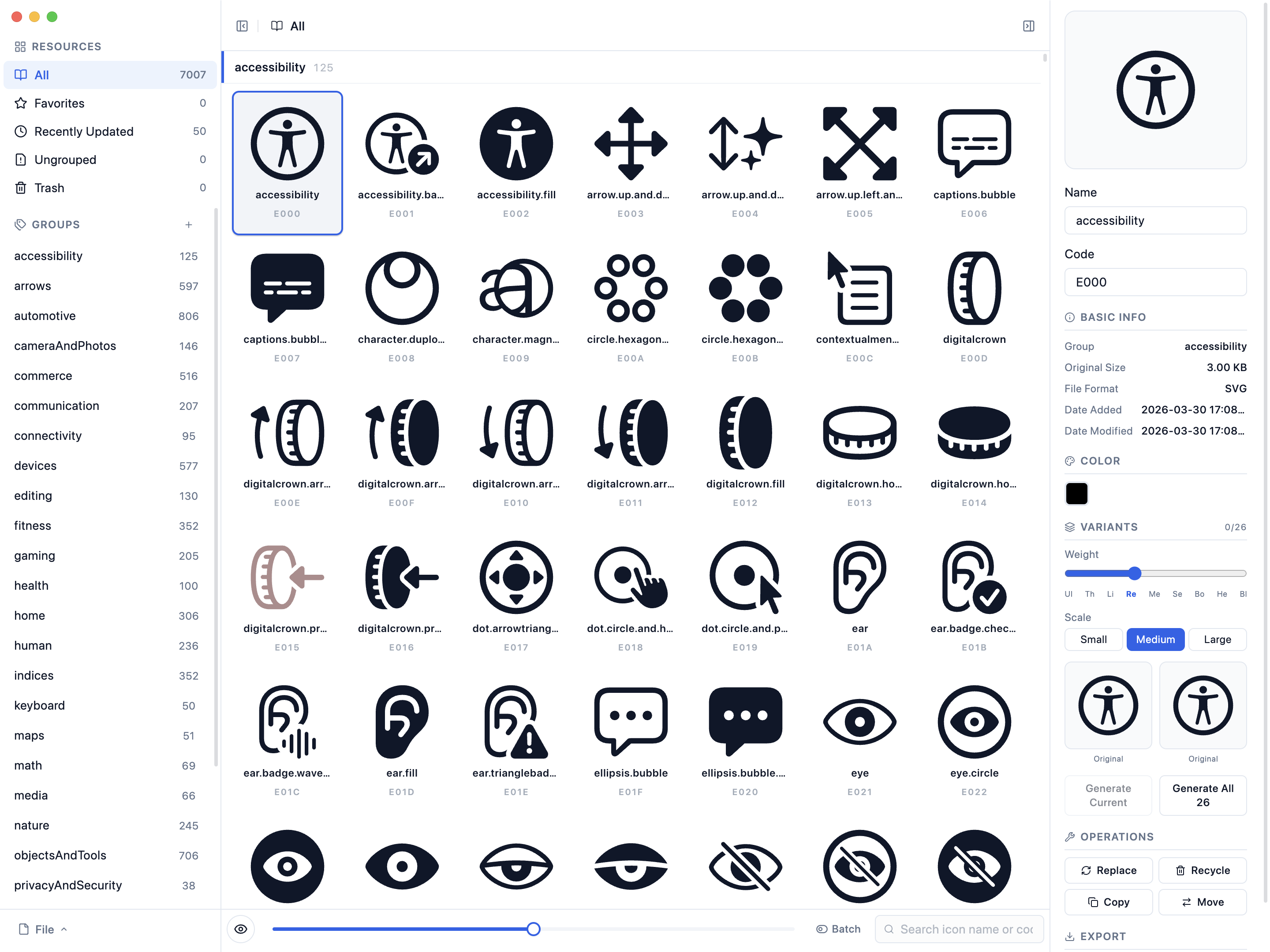
Bobcorn — browse and manage thousands of SVG icons with groups, search, and detail panel

Local icon font work without a browser round trip

Bobcorn is for teams that need to keep SVG libraries local, organize reusable groups, and regenerate web font assets repeatedly. It is an IcoMoon alternative and Fontello alternative for users who want desktop library management, local project files, and repeatable exports.

Read the Bobcorn vs IcoMoon comparison

Local-first SVG source files and `.icp` projects stay on the user's machine. There is no hosted workspace or account requirement.
Font output Exports include SVG, TTF, WOFF, WOFF2, EOT, CSS, JavaScript, and HTML demo files for front-end integration.
Repeatable workflow Groups, search, multi-select, favorites, color edits, and saved project files make repeated icon font releases easier to reproduce.

Bobcorn as an IcoMoon alternative

Use Bobcorn instead of a browser-only icon font generator when the project needs local files, reusable groups, and repeatable export. IcoMoon and Fontello are useful for quick online generation; Bobcorn is better suited to desktop library management and saved .icp project files.

Open the full Bobcorn vs IcoMoon comparison

Browser tools IcoMoon and Fontello work well for online icon font generation, but project state usually depends on browser sessions, uploads, or exported config files.
Bobcorn local projects Bobcorn keeps the working icon library on the user's machine, saves reusable .icp project files, and supports repeated exports without a hosted workspace.
Best fit Choose Bobcorn for product teams, UI engineers, and design-system maintainers who update the same icon library over time.

Select, search, and organize at scale

Import thousands of SVG icons in one drag. Multi-select for batch operations — move to groups, copy, favorite, delete, or export as SVG. Search and filter instantly across your entire library. Dark mode included.

Batch select 13 icons with multi-select mode — move, copy, favorite, delete, and export operations

Every format, one click

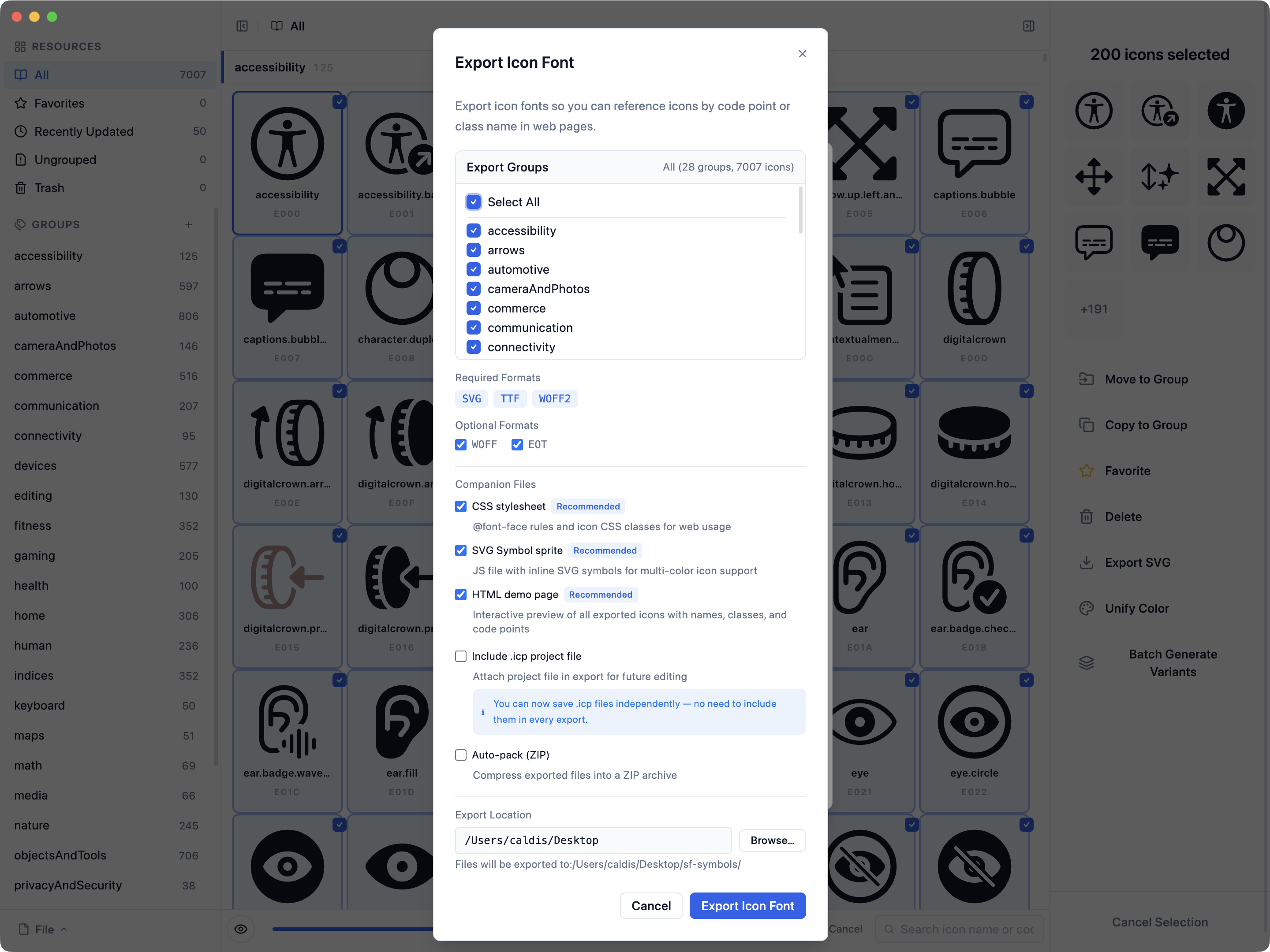
Generate production-ready icon fonts from your library. Choose groups, pick formats, set an output path — Bobcorn handles the rest. CSS, JavaScript, and HTML demo pages are generated alongside your fonts.

.svg.ttf.woff.woff2.eot.css.js.html.icp
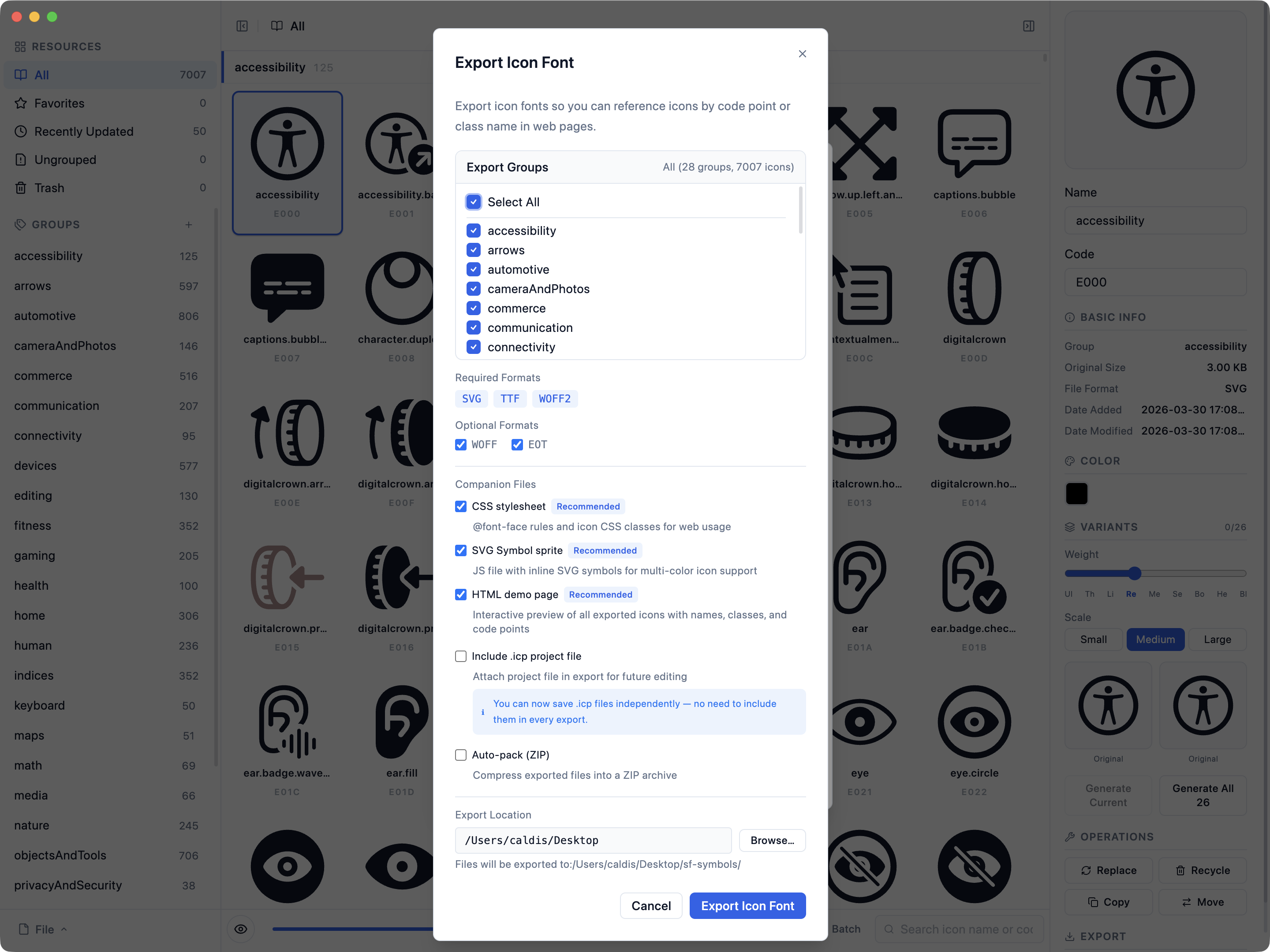
Export dialog — select groups, choose font formats (SVG, TTF, WOFF, WOFF2, EOT), set output path

Groups that keep icons in order

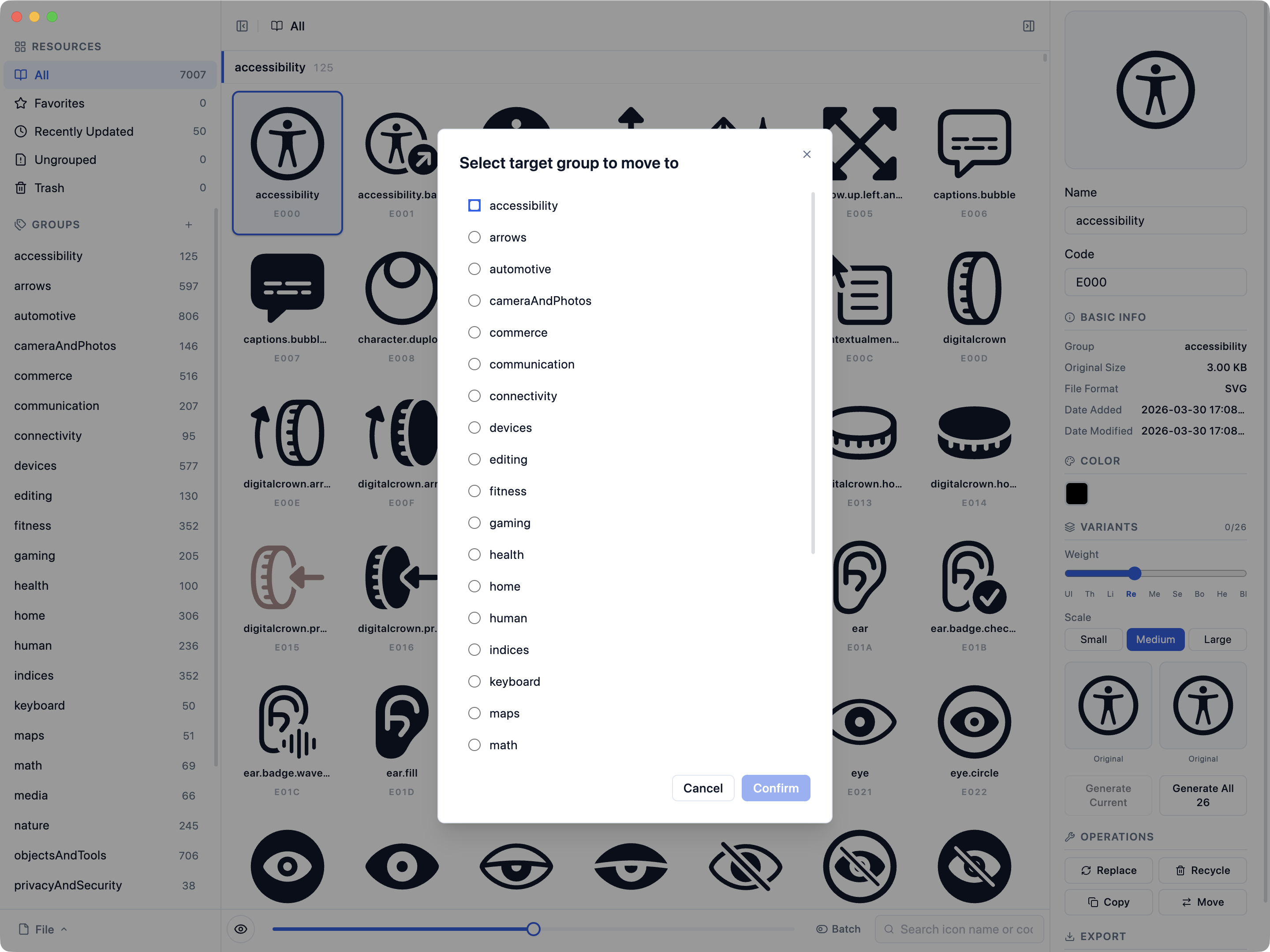
Move icons between groups in seconds. Create, reorder, and nest groups to match your project structure. Save everything as a .icp project file and pick up exactly where you left off.

Move icons to target group — select from accessibility, arrows, automotive, cameraAndPhotos, and more

From SVG folder to web font package

A reliable Bobcorn workflow starts with clean SVG files, then keeps the icon library local, grouped, exportable, and reusable for the next update.

  1. PrepareNormalize SVG viewBox values, remove unnecessary fills, and keep file names clear before import.
  2. ImportDrag SVG files or folders into Bobcorn and keep the working library on your machine.
  3. OrganizeUse groups, search, favorites, and batch selection to keep repeated releases manageable.
  4. ExportGenerate SVG, TTF, WOFF, WOFF2, EOT, CSS, JavaScript, and HTML demo assets.
  5. ReuseSave the `.icp` project file and reopen the same state when the icon set changes.

Agent-readable product boundaries

These answers describe the current public product surface, so search agents and coding agents do not infer hosted capabilities that Bobcorn does not provide.

What is Bobcorn used for?
Bobcorn manages local SVG icon libraries and exports icon font packages for web projects, including SVG, TTF, WOFF, WOFF2, EOT, CSS, JavaScript, HTML demos, and reusable .icp project files.
Is Bobcorn an IcoMoon alternative?
Yes. Bobcorn can be used as an IcoMoon alternative or Fontello alternative when the workflow needs a local desktop app, saved project files, repeatable export, and no hosted workspace.
Does Bobcorn have OAuth or a hosted API?
No. Bobcorn is a local-first desktop app. The public website exposes static metadata such as release JSON, changelog JSON, OpenAPI documentation, and discovery files, but it does not host user projects or accounts.
Does Bobcorn provide a hosted MCP server?
No hosted MCP server is available today. Agents should use llms.txt, llms-full.txt, the OpenAPI metadata, GitHub repository, and the local CLI workflow where applicable.

SVG to icon font workflow guide

A reliable icon font workflow starts before export. Normalize SVG files, keep icon names stable, export only the groups needed by the product, and save the Bobcorn project file so the next release can reproduce the same output.

  1. Normalize source SVGsKeep viewBox values, remove unnecessary fills when the icon should inherit color, and use clear file names before import.
  2. Organize reusable groupsGroup icons by product area or design-system package, then use favorites and search to review changes before export.
  3. Export and save stateGenerate SVG, TTF, WOFF, WOFF2, EOT, CSS, JavaScript, and HTML demos, then save the .icp file for the next icon update.

Developer and agent resources

Bobcorn is local-first, but the public site now exposes predictable docs, OpenAPI, discovery files, and Markdown fallbacks so agents can understand the product without running JavaScript or guessing URLs.

What's New

All releases →